
Designing seamless patterns for fabric & apparel
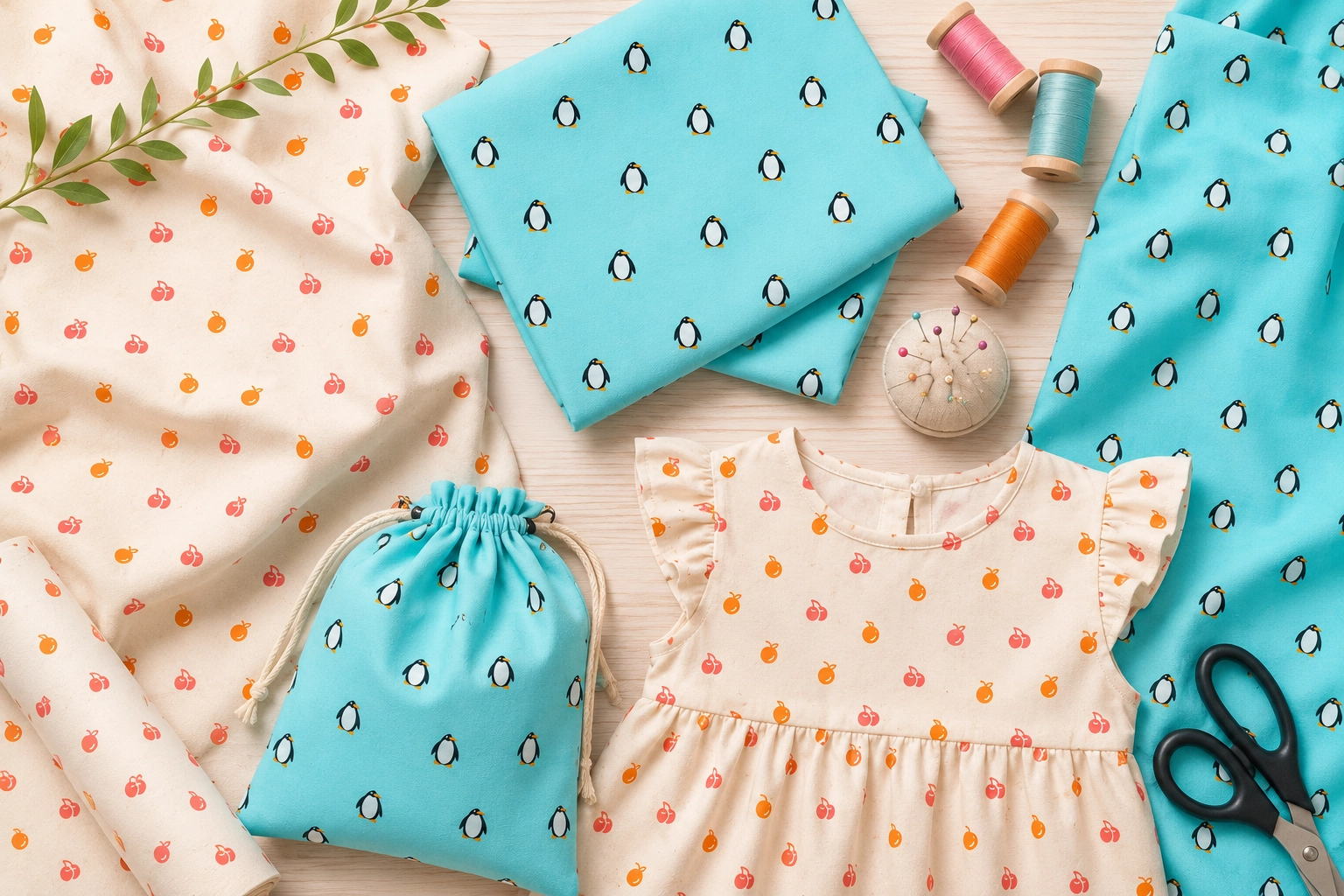
A seamless pattern really comes alive when it is printed on cloth. Whether you dream of a fabric collection, a run of scarves, or a single custom cushion, a repeating design you own is the starting point. The best part is that you no longer need a mill or a minimum order: print-on-demand has made textile design something anyone can do from a browser.
Why textiles love a seamless repeat
Fabric is printed as a continuous roll, so the artwork has to tile forever with no visible join. That is exactly what a seamless pattern is built to do. Because every motif that crosses a tile edge in PatternMaker is redrawn on the opposite side, the design you export already repeats cleanly across metres of cloth. Get the tile right and the fabric takes care of itself.
Design for the garment, not just the screen
The single most useful habit is to picture the finished item before you start. Scale is everything on cloth:
- Small, dense motifs read as a classic all-over print and flatter dresses, shirts and children's wear.
- Large, sparse motifs feel bold and modern, and suit big flat pieces like tote bags, cushions and curtains.
- Even density matters more than on screen, because seams and hems cut through the pattern. Avoid large empty gaps that could land awkwardly on a garment.
Choose colours that survive the transfer to cloth
Screens glow and fabric absorbs ink, so colours can shift slightly in print, especially bright, saturated tones. Keep enough contrast between your motifs and background so the design still reads after a small colour shift, and order a swatch before committing to a large run. A calm, deliberate palette of three to five colours almost always prints better than a busy one.
From tile to fabric: the workflow
- Design your tile in the editor, watching the live repeat as you build it.
- Preview it on a product mockup to sense the scale at garment size.
- Export a high-resolution PNG (or the SVG) at a generous size so it stays crisp when printed.
- Upload it to a fabric or print-on-demand service such as Spoonflower, Zazzle or Printful, and set the repeat and scale in their tools.
- Order a sample, check the colour and scale in the flesh, then adjust and reorder if needed.
Turn it into a collection
One of the quiet advantages of designing digitally is that a finished pattern can be recoloured in minutes. Once a design works, save it and swap the palette to build a coordinated range: a bright version, a pastel version, a monochrome version, all from the same shapes. Buyers love a cohesive collection, and it multiplies your catalogue without multiplying the work.
Keep reading: Design your own wrapping paper · Branding with a signature pattern · Choosing colours